Simple DesignerPhrases, fonts and frames
Pick a photo, tap a ready-made phrase in Arabic calligraphy or write your own, add a frame, then save or share — in under a minute.
Free · 9 languages · iPhone and Android
Your photos stay on your phone · no account
Simple Designer is for people who want a beautiful photo, not a design lesson.
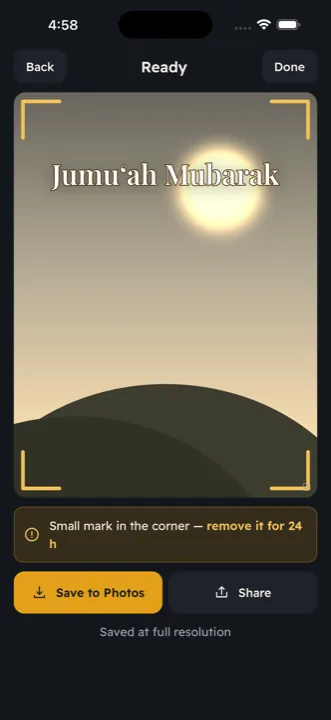
Three steps: pick a photo (or take one), tap a filter, write text, choose a ready-made phrase or add a frame, then save it to Photos or share it on WhatsApp and elsewhere. Works on iPhone and iPad, with the interface in nine languages.
Inside the app
-
Arabic calligraphy on your photo — in a minute
Pick a photo, tap a phrase, share
-
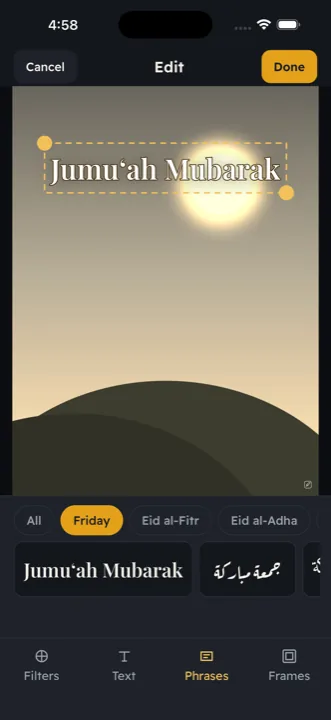
Ready-made phrases for every occasion
Friday · Eid · Ramadan · congrats · wedding · Hajj
-
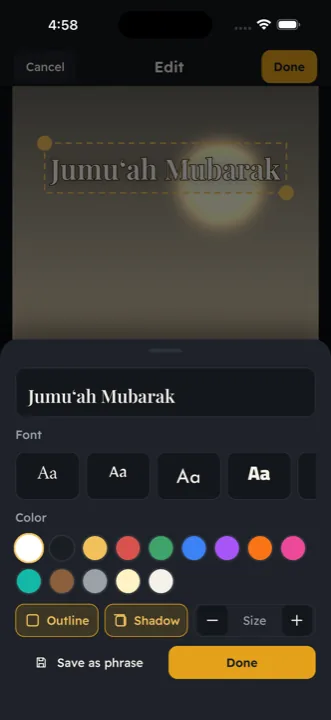
11 Arabic fonts with outline and shadow
Drag, pinch and rotate with a finger
-
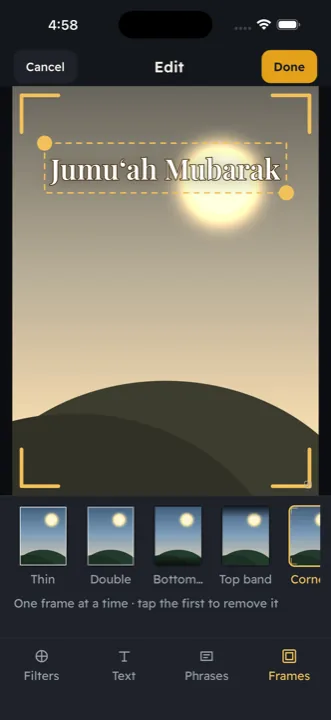
Filters and frames
Nine adjustable filters, eight frames
-
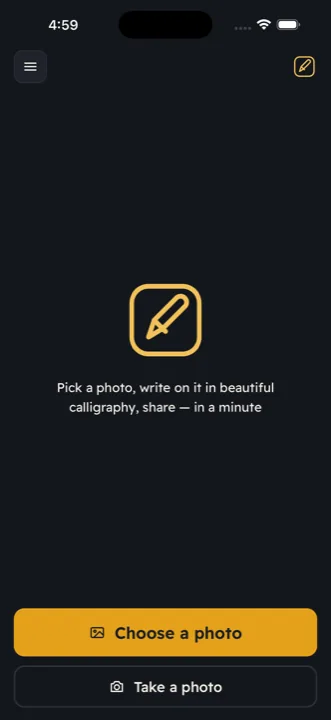
Three steps — nothing to learn
Pick a photo · write · save or share
-
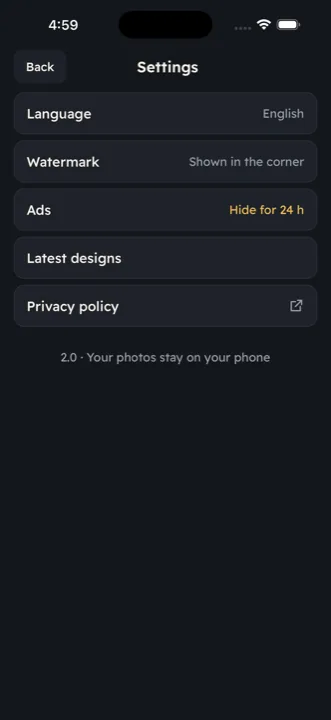
Your photos stay on your phone
No account, no upload, full resolution
What it does
-
Ready-made phrases for every occasion
Jumu'ah Mubarak, Eid Mubarak, Ramadan Kareem, congratulations, wedding, Hajj, newborn, graduation, condolences — in your language and in Arabic calligraphy, each in a chosen font you can change.
-
My phrases
Any text you write — your family name, a signature, a favourite line — is saved with its font and colour to reuse with one tap.
-
11 Arabic fonts, 4 Latin
Ruq'ah, Naskh, Thuluth, Kufi, Diwani and Nastaliq, plus four Latin display fonts — with outline and shadow so the text reads on any photo. Drag, pinch and rotate with a finger.
-
Filters and frames
Nine filters with an intensity you set, and eight elegant frames.
-
Full resolution, ready to share
What you save is the original photo with your design, never a downscaled copy. Save to Photos or share in one tap.
-
Your photos stay on your phone
No account, no sign-up, no upload. Every edit happens on the device.
Good to know
- Free, with a small banner ad
- No account, no sign-in
- Data stays on your phone
- Works without internet
Questions people ask
Do I need an account?
No. There is no sign-up and nothing is uploaded. Your photos are edited on the phone and never leave it.
Which occasions have ready-made phrases?
Jumu'ah Mubarak, Eid Mubarak, Ramadan Kareem, congratulations, wedding, Hajj, newborn, graduation and condolences — in your language and in Arabic calligraphy. You can change the font, colour and size of any phrase.
Can I write in English or other languages?
Yes. Besides the 11 Arabic fonts there are 4 Latin display fonts for English, Turkish, Spanish, Indonesian and other Latin-script languages.
Will my photo lose quality?
No. Simple Designer exports at the photo's full resolution — what you save is the original with your design on it.
Are there ads?
A small banner. If you like, a short video removes the small corner watermark for a day or hides the ads for a day — only when you choose it.
Does it work on iPad?
Yes, on iPhone and iPad. The Android version is on its way to Google Play.
Get the app
A beautiful photo, not a design lesson
Simple Designer is free and shows a small banner. A short video, only when you choose it, removes the small watermark for a day or hides the ads for a day.